Search where resellers source
Search ShopGoodwill and Salvation Army by keyword, category or topic, and current price. Save finds to your private Deals workspace, check shipping and resale evidence, and work out your bid ceiling before buying.
Free eBay profit & inventory tracking
Bring in active listings and paid orders automatically. Add what you paid, and see what each flip kept after fees, shipping, ads, and refunds.
Free account · eBay updates about every 15 minutes.

Found at an estate sale
Vintage table lamp
Item net profit
Before business overhead
$53.00
Real sales, shared by resellers
Actual sale prices, fees, and profit from sellers who chose to share them. Tap one to see the full breakdown.

The Game of Life Wizard of Oz Collector's Edition Board Game
Sold for $30.00 on eBay
Net profit
$20.44
465.6% ROI
by Refit Supply

Rock Revival Fincher Jeans Men's 31x31 Distressed Blue Slim Boot
Sold for $49.99 on eBay
Net profit
$14.99
55.2% ROI
by Refit Supply

Aqara Camera Hub G5 Pro Wi-Fi PoE Security Camera White
Sold for $129.99 on eBay
Net profit
$32.38
40.4% ROI
by Refit Supply

Ariat M4 FR Bootcut Jeans Men's 36x32 Relaxed Fit Blue Denim
Sold for $42.99 on eBay
Net profit
$10.13
38.2% ROI
by Refit Supply
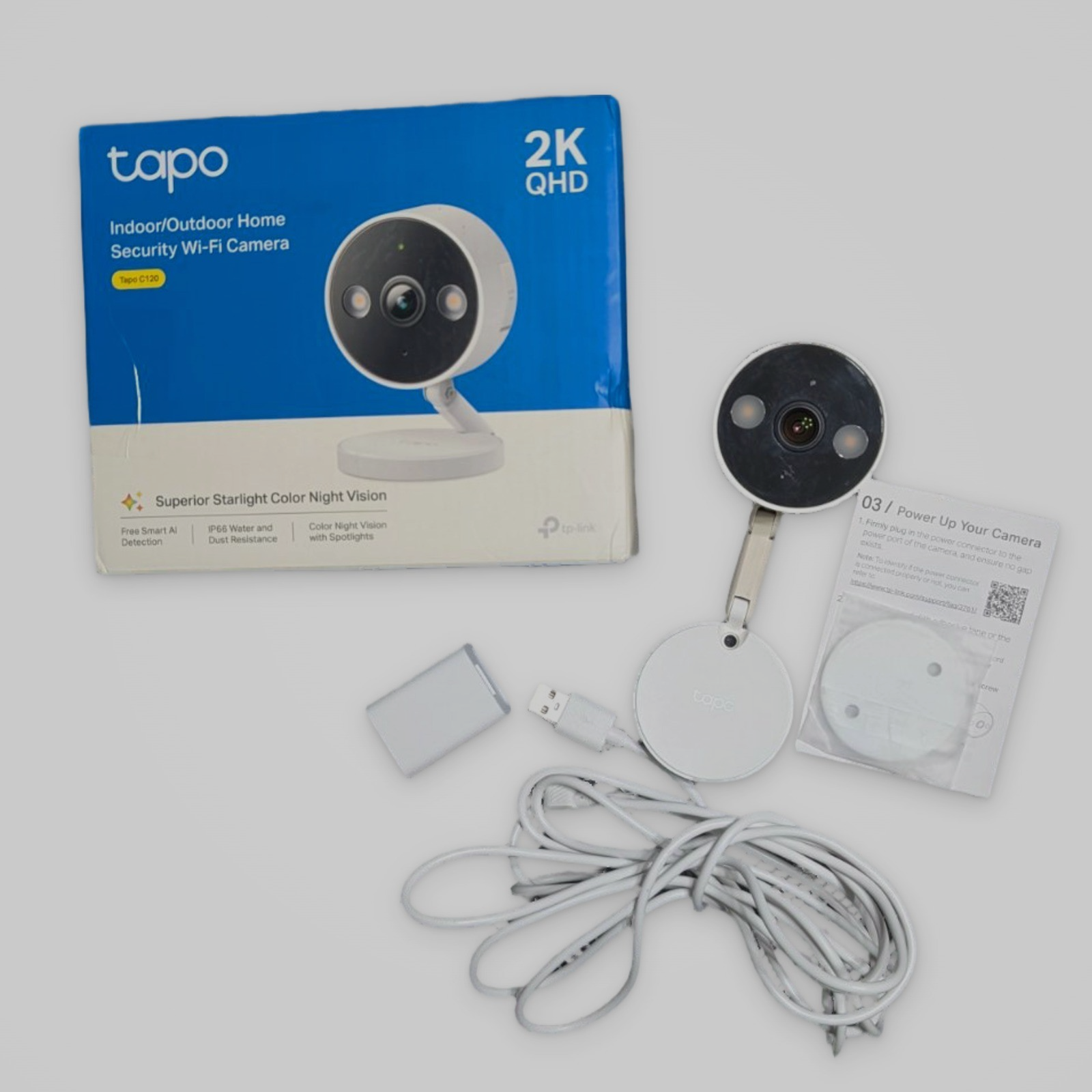
Tapo Outdoor Wi-Fi Security Camera C210 2K QHD Smart Home White
Sold for $20.00 on eBay
Net profit
$12.54
272% ROI
by Refit Supply

Cleveland Golf Club Grips Standard Size Black Set of 4 Excellent Condition
Sold for $46.98 on eBay
Net profit
$37.72
1096.5% ROI
by Refit Supply

Rock Revival Jeans Women's 28 Bootcut Distressed Denim
Sold for $39.99 on eBay
Net profit
$6.00
33% ROI
by Refit Supply

NWT Diesel Clush Skinny Jeans Women's 25x34 008AA Dark Denim Zip Pockets
Sold for $50.00 on Depop
Net profit
$26.78
127.6% ROI
by Refit Supply

Ezekiel 305 Chopper Jeans Men's Black Slim Fit 30x32
Sold for $17.00 on eBay
Net profit
$5.82
59% ROI
by Refit Supply

Lucky Brand Mens 40x32 Blue 181 Relaxed Straight Jeans
Sold for $19.99 on eBay
Net profit
$10.71
144% ROI
by Refit Supply

iRobot Roomba Robot Vacuum 690 Wi-Fi R690020 Sealed Box
Sold for $170.00 on eBay
Net profit
$98.62
254.4% ROI
by Refit Supply

Lucky Brand 329 Classic Straight Jeans Mens 38x32 Dark Wash Blue Denim 7M11988
Sold for $24.99 on eBay
Net profit
$15.03
194.7% ROI
by Refit Supply
Your next find. Your next decision.
Search ShopGoodwill and Salvation Army by keyword, category or topic, and current price. Save finds to your private Deals workspace, check shipping and resale evidence, and work out your bid ceiling before buying.
Ask about sales, stale listings, your sourcing budget or a possible purchase. Get answers using your shop records and reselling guidance for clothing, electronics and cash flow. Ask reads your data and leaves you in control of changes.
Ask includes a daily question allowance and depends on assistant availability. Auction prices can change; verify costs and place bids on the auction site.
Join free and explore your next flipUse the free eBay profit and max-bid calculator without creating an account. Estimate category fees, promoted listings, shipping, margin, and the most you can safely pay.
Open the free calculatorConnect eBay once. Active listings and paid orders come in on their own, then FlipHall checks again about every 15 minutes, even when you are away.

Keep unlisted, active, and sold inventory organized. Record what you paid, where you found it, and where you stored it.

Look beyond the sale price. Track item profit after costs, fees, shipping, and refunds, then review your business overhead.

Record sourcing trips, business expenses, and mileage alongside your inventory. Give the small costs a place in the bigger picture.
Photos & listings
Do the photo work and the listing draft inside each item, with the cost and profit numbers right beside it. It needs a free account, and the AI draft is a starting point that you always check and edit.
Attach photos to any item and keep them with its costs and notes. They are shrunk on your device first, so uploads stay quick.
Remove the background and place the item on white with a soft shadow, the look buyers expect. Straighten laid-out clothing, trim a table reflection, remove stray objects, and nudge or rotate. Your item's pixels are never redrawn, only cut out.
Get a suggested title, item specifics, condition notes, description, and packed weight and box size. Check it, edit it, and copy each part into eBay.
Photo clean-up and drafting run on FlipHall's own equipment, so they have daily limits per account and can occasionally be unavailable. FlipHall does not post to eBay for you.
Read the eBay photo shot listSourcing research
A brand that sells well online is only useful if you actually find it at the stores you visit. FlipHall puts resale demand and your own local sightings side by side, so you decide what is worth learning.
Paste the brand list from your eBay sold results at your minimum price. FlipHall keeps the sold counts, marks the junk, and lines brands up in a research queue.
Thrift Sighting Mode is built for your phone: one tap per brand, search for the unfamiliar, undo a mistake. No comps and no long forms in the store.
After a few trips, see how often each brand appears where you shop, next to how well it sells. Study the ones that show up in both lists first.
Lots and bundles too: enter what you paid for the whole lot and FlipHall splits it per item, and your profit goal is shared across a listing's quantity so cheap multi-packs are judged fairly.
Read how it worksFrom sourced to sold
Start with the records you have. Build a clearer picture with every item you add.
Active listings and paid orders from the past 90 days come in. Add what you paid, where you found it, and where you stored it.
New paid orders show up on their own, with eBay’s selling fees. Label cost and promoted fees follow once that access is allowed.
Review profit, margins, and inventory in your dashboard. Find missing costs before they distort the picture.
FlipHall pulls active listings and paid orders, including titles, photos, prices, dates, and selling fees. It does not publish listings for you. Label costs and promoted fees come in after eBay allows that access. Postage bought outside eBay still needs a quick entry. A CSV import is there when a sale happened somewhere else.
Share a sold flip, ask for a price check, or bring a hard-earned lesson to the Hall. Public sharing is optional; member replies and private business records stay protected.
Yes. Ask uses your signed-in shop's inventory, sales, budget and research to answer questions, with reselling guidance for deal reviews, clothing, electronics and reports. Member accounts have a daily question allowance. It reads your records and cannot change them; availability depends on the assistant service.
Yes. In Deals, choose ShopGoodwill, Salvation Army or both, then search by keyword, category or topic and maximum current price. Save finds for review and use Update now to refresh saved auction prices. Search results can be cached briefly. Check shipping, condition and matching sold evidence before bidding; FlipHall does not bid or buy for you.
Yes. Share wins, lessons, and finds that are still waiting to sell. Photos, purchase prices, and profit figures are optional. Follow shops and categories to build your Following feed, or join the rotating weekly prompt.
Your in-app Notifications page shows replies to your stories and price checks. Price-check authors can mark a helpful answer, save what happened next, and resolve the check. Fliphall also emails those notices unless you turn email notifications off in Settings.
Give your finds, costs, and profits a home.
Create your account