eBay photo guide
eBay photo shot list: what to photograph for every kind of item
Buyers cannot pick an item up, so your photos have to answer their questions before they ask. A short, consistent shot list gets you most of the way there.
Last reviewed September 2026
Clothing
Lay the item flat or hang it up so it is straight and fully in the frame, with the front and back matching in size.
- Front, full view
- Back, full view
- Brand and size tag
- Material or care label
- Close-up of the fabric
- Close-up of any flaws, stains or wear
Shoes
Buyers care about wear, so show the soles and the inside as clearly as the outside.
- Both side views
- Top view
- Soles
- Heel
- Size tag inside
- The box, if it is included
Electronics and gadgets
Show that it is complete and what condition it is in. A photo of the model or serial label helps buyers trust the listing.
- Front and back
- Ports and buttons
- Model or serial label
- Powered on, if it works
- Included accessories
Boxed or sealed items
Show every side of the box and be honest about damage. A sealed item should show the seal.
- Front and back
- Sides
- The seal
- Any box damage
A plain background
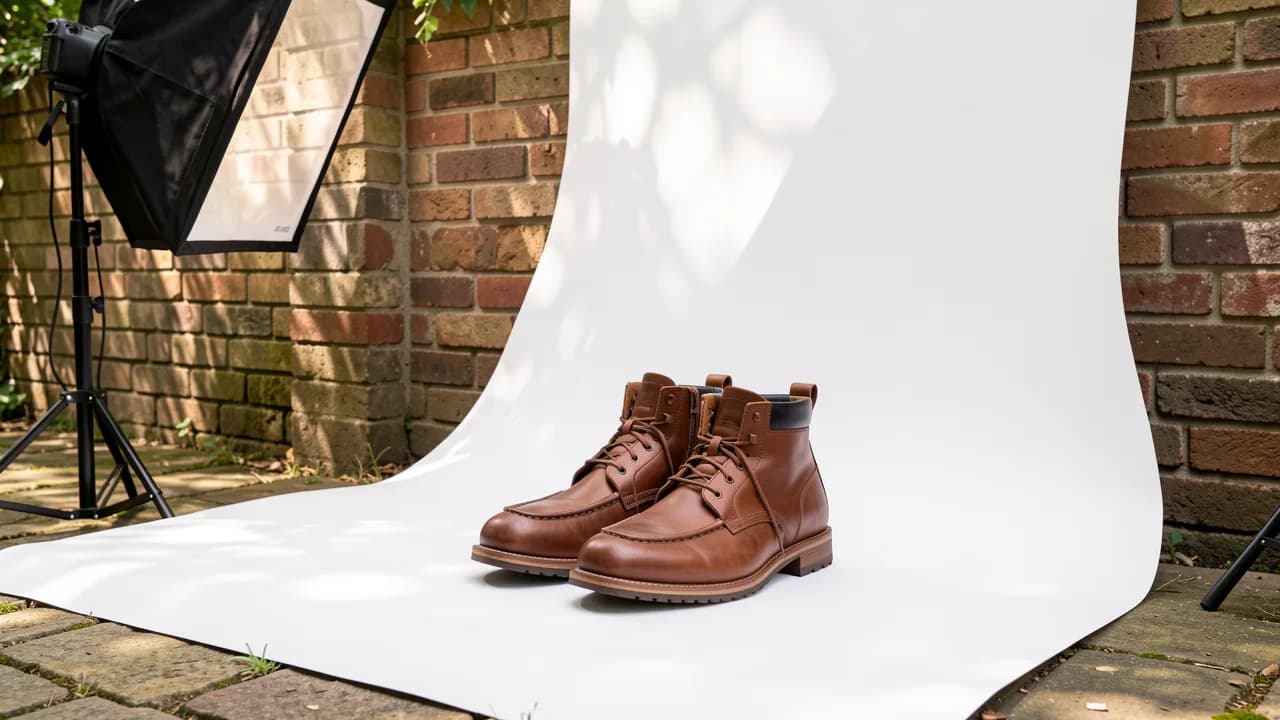
Use a plain wall or a sheet of white card behind and under the item, with some empty space around it. Soft daylight from a window beats a flash.
A glossy table can add reflections. A matte surface avoids them. If you remove the background afterwards, a clean, evenly lit original gives the best result.
Check before you list
Look at the main photo as a thumbnail. If you cannot tell what the item is at that size, retake it. Then confirm that every flaw you mention in the description is visible in a photo.
Doing this in FlipHall
In an unlisted or active item, FlipHall's photo workspace can remove the background and place the item on white with a soft shadow, straighten laid-out clothing, trim a reflection, let you remove stray objects and nudge or rotate the result, compare your photos with a shot list like the ones above, and draft a listing for you to edit. It needs a free account, has daily limits, and the draft is a suggestion that you check against the item.
Put the system to work.
FlipHall keeps inventory, sales, expenses, mileage, and eBay updates together in a free reseller workspace.