eBay inventory organization
How to organize eBay inventory so sold items stay findable
The best storage system is not the cleverest one. It is the one that lets you move from a paid order to the correct physical item without opening six bins.
Last reviewed September 2026
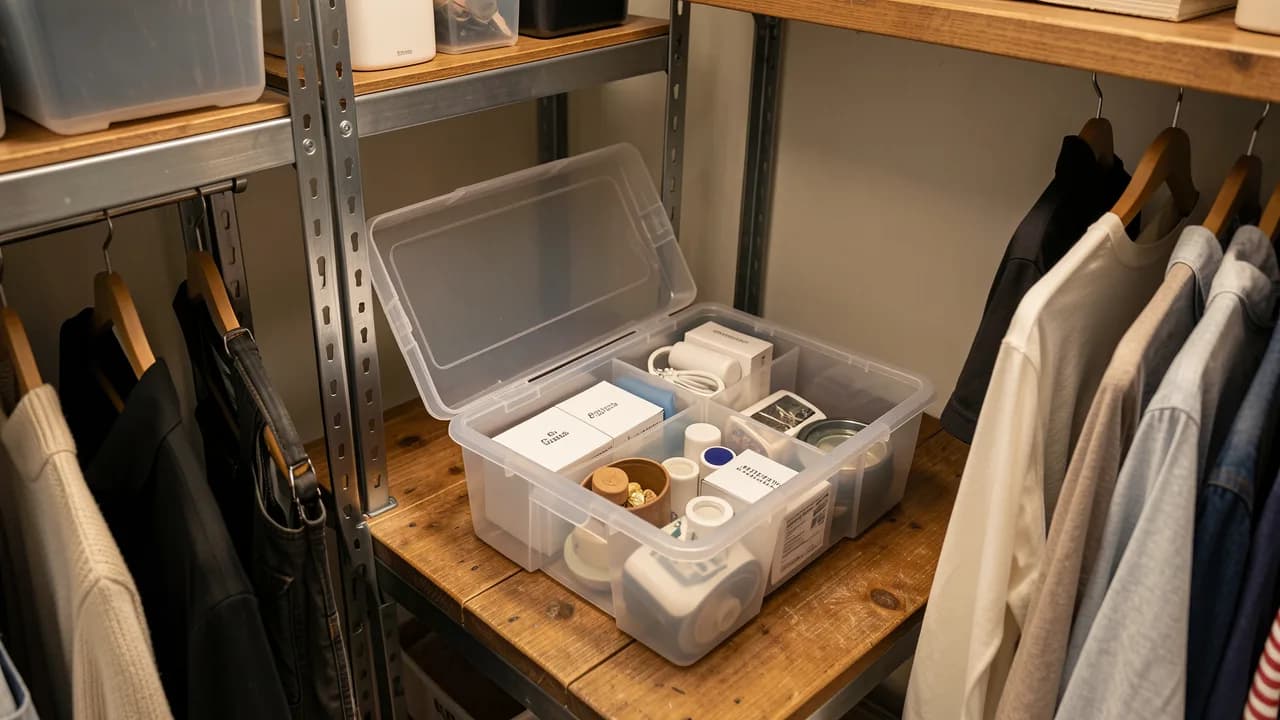
Give the location a name before filling it
Use short, unique location labels such as A01, A02, or Shelf-B-3. Put the same label on the physical container and in the item record. Avoid descriptions such as “garage bin” that stop being useful when you add another one.
Use a SKU as the bridge
A custom SKU can connect the eBay listing, your inventory record, and the storage label. Make it stable and readable. Do not pack category, cost, date, and every other fact into the identifier; those facts belong in their own fields.
- One unique SKU per sellable item
- One named storage location
- The same SKU in eBay and your records
- A photo or title clear enough to verify the pick
Separate the workflow states
Keep unlisted inventory distinct from active listings. Move paid orders into a shipping queue, then retain the sale record after the physical item leaves. Returns and cancellations need their own path so they do not silently disappear or re-enter active stock incorrectly.
FlipHall’s eBay connection imports active listings and paid orders, while storage locations and purchase costs remain under your control.
Put the system to work.
FlipHall keeps inventory, sales, expenses, mileage, and eBay updates together in a free reseller workspace.